Big product. Little screen.
Turn your desktop web app into a demo people can explore on a phone. Even if your product has no mobile version.
One player. Any screen.
See the gallery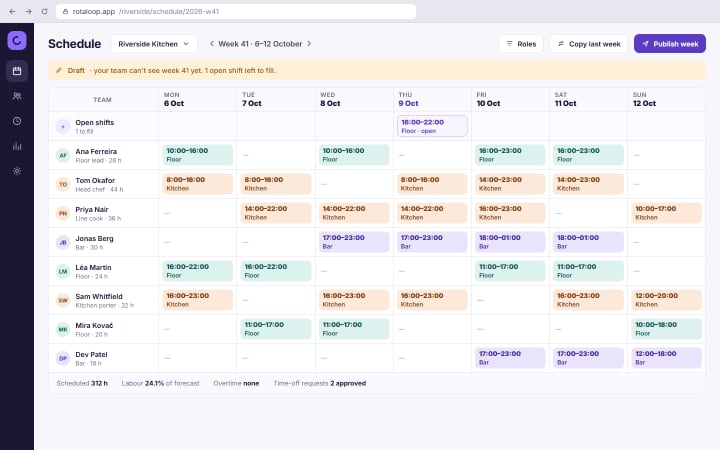

Desktop product. Phone-friendly demo.
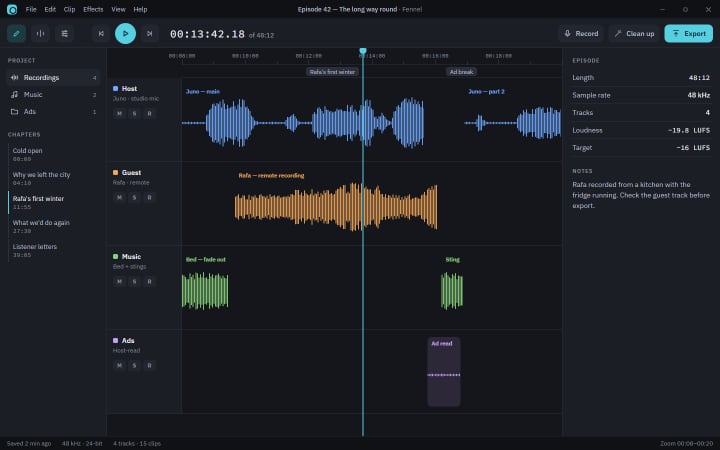
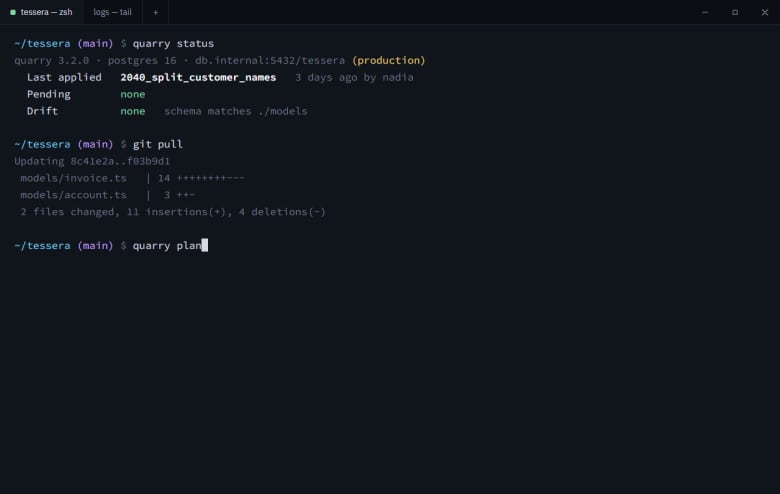
Your app can stay desktop. Its demo shouldn’t have to.
A desktop interface squeezed onto a phone is hard to follow. mado gives each step room to breathe: what to do, what to look at, and a window into your product.
- The same desktop flow, presented for a smaller screen.
- A readable headline and a focused product window at each step.
- One shared demo. No separate mobile version to build.
Keep the story current
Your product moves. Your demo should keep up.
Today, on Pro and Team, re-record a changed flow or press Sync on a demo captured with the extension, and carry your tooltips and redactions forward. A new scan of an app also proposes updates to the demos made from it, for you to review.
Coming next · automatic sync
One button. A fresh draft.
Sync and Resync are manual today: you start them. What is coming is automatic, scheduled sync, which will capture new features and refresh moved components in the background, then prepare the demo for your review. You confirm what goes live.
- 01 Sync
- 02 Review
- 03 Confirm
Less setup. More showing.
- 01
Capture once.
Click through your web app with the mado capture extension for Chrome: one screenshot per click, with the exact element you clicked, and your microphone and camera if you want them. For any other app, upload screenshots in order. Screen recordings are in beta: you place the steps yourself.
- 02
AI writes the first draft.
From an extension capture or screenshots, mado writes the tooltips, narration and chapters, with AI assist on. Add voice, a music bed and more languages, then adjust the story and make it yours.
- 03
One link. Anywhere.
Share a link, embed the demo, or export an MP4, a social cut or a promo film. People can explore it on a laptop or a phone.
Everything around the little tap.
Let them tap. Or watch.
Offer a guided watch mode with narration, or export an MP4, a social cut (9:16, 1:1 or 16:9) or a 30 to 60 second promo film for the places an interactive demo cannot go.
Use it beyond the landing page
Put demos in docs, onboarding and “Show me how” help inside your app. “Build it for me” drafts a searchable help hub from your captures and screenshots.
Your desktop app. In their pocket.
Each step zooms to what matters. On a phone, a new screen opens whole, then glides to the target, and narration can point at what it names.
Safe to publish
EU-hosted and GDPR-native. Redaction removes the pixels. Download your recording, or any demo as an offline copy.
- 63 KB
- the player, gzipped
- 0
- cookies set by the embed
- 0
- layout shift while a demo loads
Free
€0
5 published demos, unlimited views, mado badge.
Pro
€32/editor/mo, excl. tax
Unlimited demos, no badge, full analytics.
Don’t describe it. Let them try it.
Make your first demo, then share it wherever your next customer finds you.